October 09, 2026
How Denver Health Patients Can Spot and Avoid the "Medicare Kit" Scam
Denver Health is warning patients about a nationwide phishing scam that uses the MyChart name and logo to trick people into clicking dangerous links and handing over personal or financial information.
The fraudulent emails and text messages do not come from Denver Health or from Epic, the company that makes MyChart.
Health systems across the country have reported the same scam.
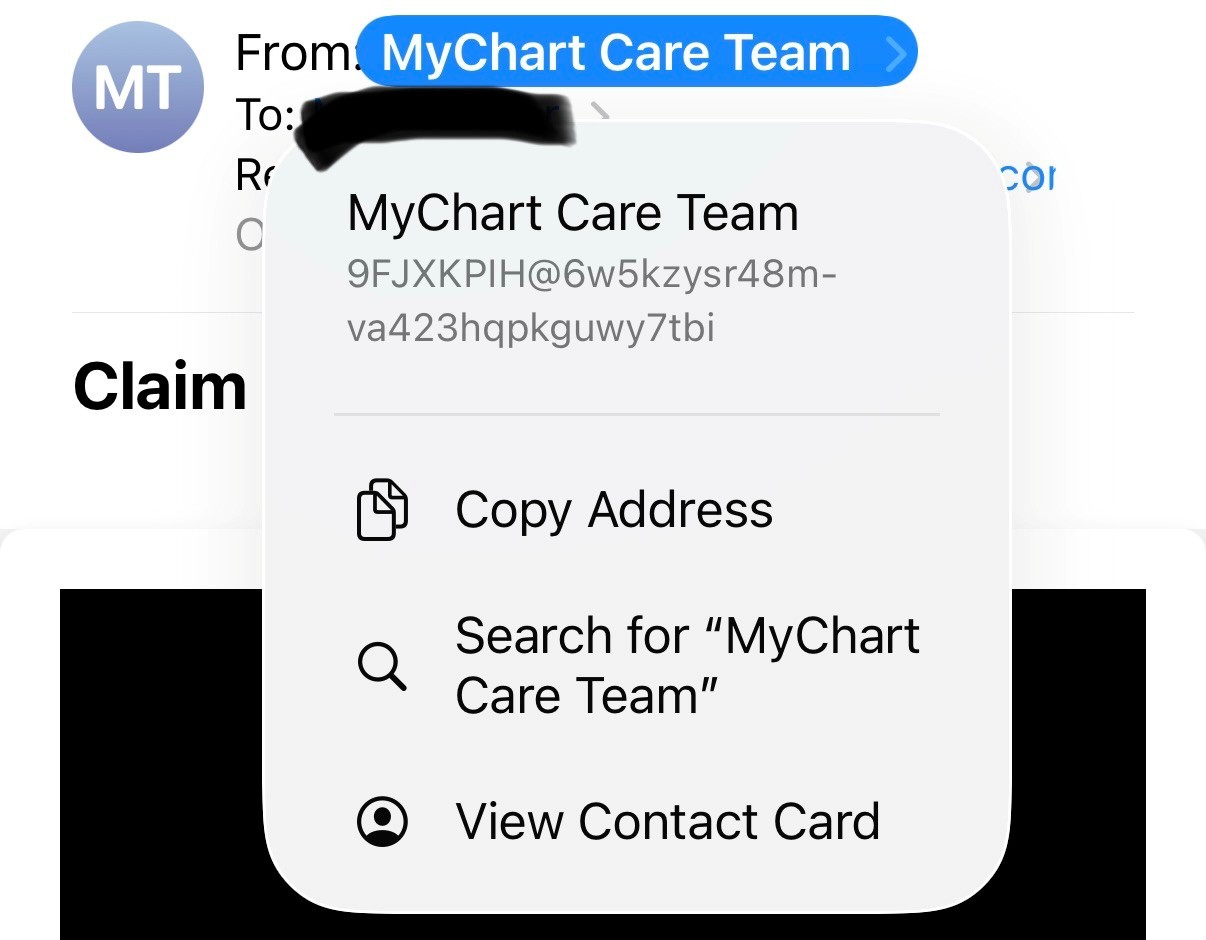
The most important thing to know: legitimate Denver Health MyChart emails come from an email address ending in @dhha.org.
If a message claiming to be from MyChart comes from any other address, do not click on anything in it.
How the MyChart "Medicare Kit" Scam Works
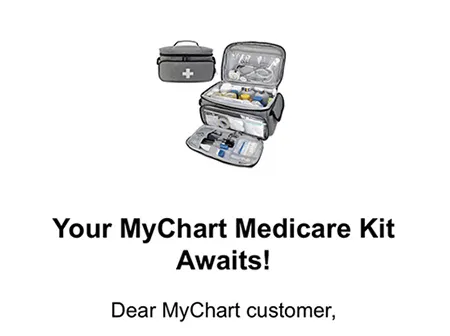
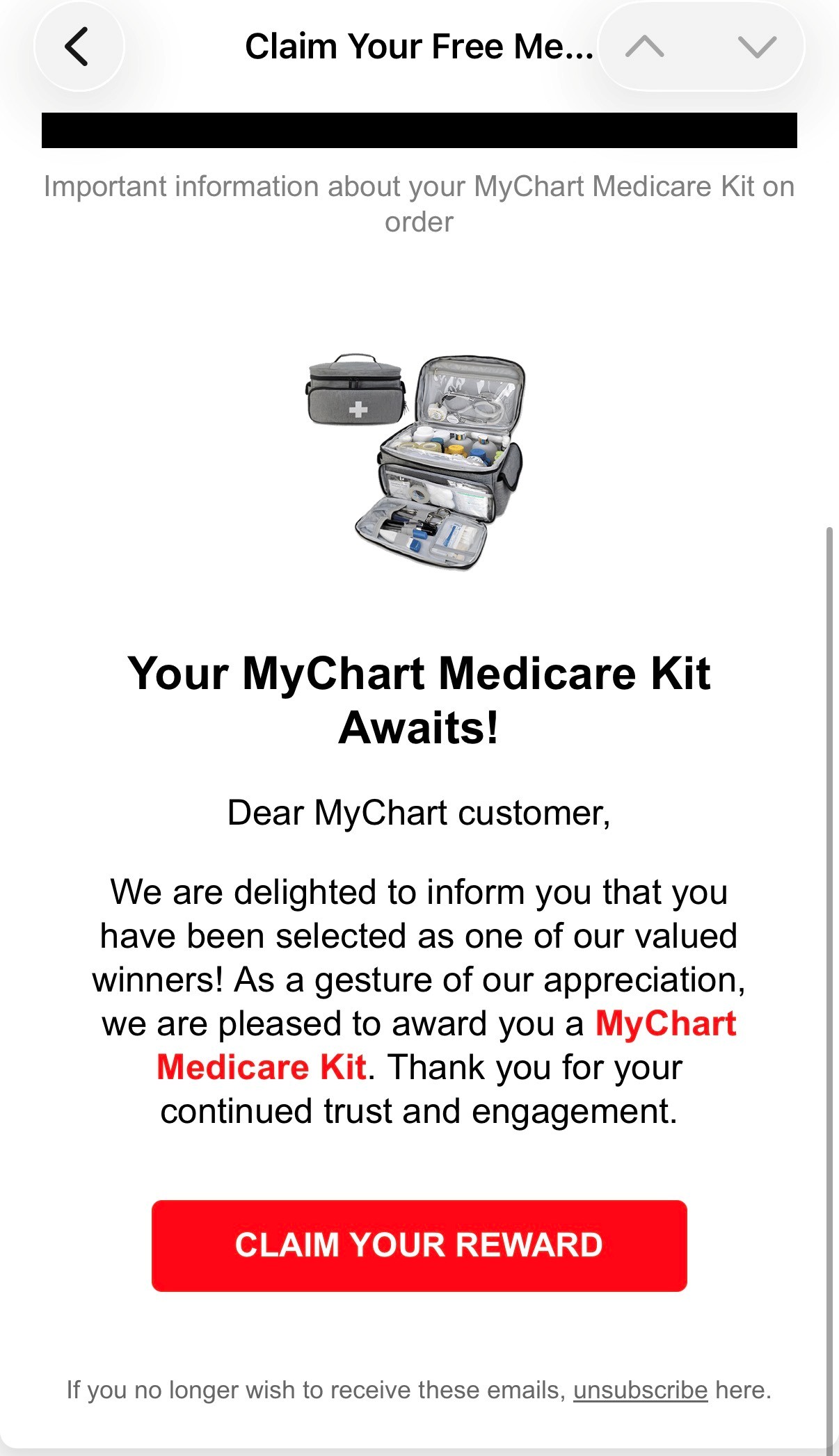
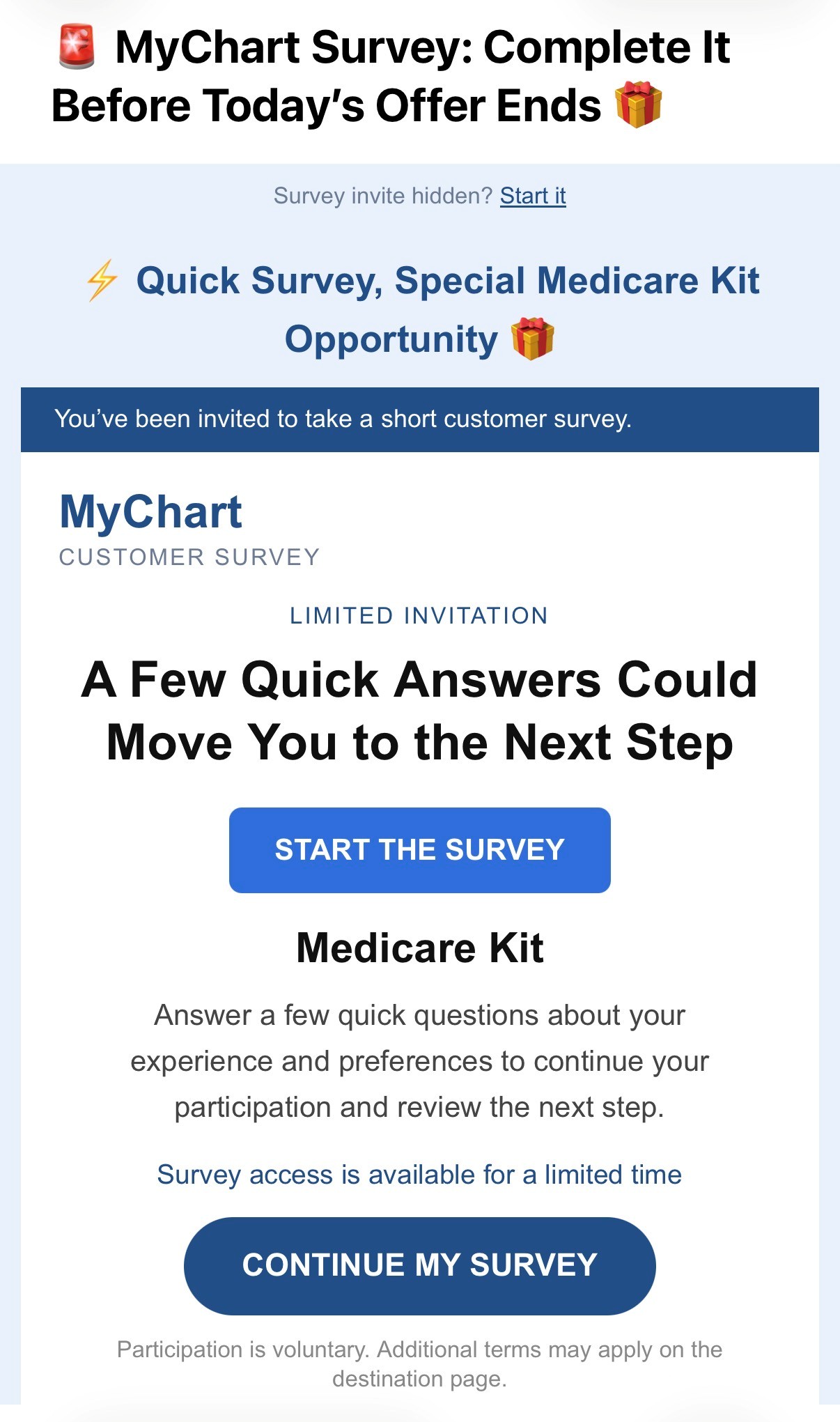
Many of the fake emails tell recipients they have been "selected" to receive a free "MyChart Medicare Kit" or "Senior Health Package." Others ask people to complete a short survey to claim a reward. The messages often include buttons such as "Claim Your Reward," "Start Survey" or "Claim Kit Now," and they may warn that the offer is only available for a limited time.
According to Epic, people who click the link are taken to a series of websites that show a countdown clock, a short survey and a "free" kit. The kit is free until the final step, when the site asks you to pay a small shipping fee. Along the way, the scammers collect your name, address, phone number, email address and credit card information.
Some versions of the scam are even more dangerous. Epic has also seen fake "Your results are ready" emails that lead to a copy of the MyChart sign-in page. That fake site steals your username and password and may try to get you to install harmful software on your computer.
Examples of Fake MyChart Emails
Here are examples of fraudulent MyChart emails that have been reported. Select any image to view it larger.
How to Spot a Fake MyChart Message
Seeing the MyChart logo does not mean a message is real. Scammers can easily copy logos and designs. Be suspicious of any message that:
- Comes from an email address that does not end in @dhha.org
- Offers a free gift, prize, Medicare kit or other giveaway (MyChart does not hold giveaways)
- Says you have been "selected" or have won something
- Asks you to take an unexpected survey to get a reward
- Pressures you to act quickly with a countdown clock or "limited time" offer
- Asks for your MyChart password, a verification code or credit card information
- Asks you to pay a fee or shipping cost for something "free"
- Tells you to press keyboard shortcuts, run a command or download a program to see your results
Another helpful tip: before clicking a link, hover your mouse over it to see the real web address. Scam links often show one address in the text but send you somewhere else.
What to Do About a Suspicious MyChart Email
If You Get a Suspicious Message
- Do not click any links or buttons, including "unsubscribe."
- Do not reply to the message or forward it to others.
- Mark the email as junk or phishing in your email program, then delete it. This helps block similar messages in the future.
- To check your account, open the MyChart app or go directly to Denver Health MyChart instead of using a link in an email.
- Remember that Denver Health and Epic will never ask for your MyChart password or verification code by email, text or phone.
If You Already Clicked the Link
- If you did not enter any information, close the website. You are most likely fine.
- If you entered your username or password, change your password right away at Denver Health MyChart and make sure the email address and phone number on your account are still correct.
- If you entered card information, call your bank or card company, report the charge as fraud and ask for a new card. Scammers often make small charges that repeat or grow over time.
- If you pressed keyboard shortcuts or downloaded a program, disconnect your computer from the internet and have it checked before using it for banking, shopping or other personal business.
Report Medicare Fraud and Get Help
Because this scam uses the word "Medicare," it often targets older adults. These free resources can help you report fraud or talk through what happened.
Report Medicare Fraud
Call 1-800-MEDICARE (1-800-633-4227) or report Medicare fraud online with the U.S. Department of Health and Human Services Office of Inspector General.
AARP Fraud Watch Network Helpline
Call 877-908-3360 for free support if you or a loved one has been targeted by a scam. Available Monday through Friday, 6 a.m. to 6 p.m. Mountain Time. You do not need to be an AARP member.
Questions About Your MyChart Account?
If you are not sure whether a MyChart message is real, do not click it. Call Denver Health at 303-436-4949 and ask for help with MyChart. For more tips on staying safe, visit MyChart's guide to protecting yourself from scams and fraud.
Epic says the increase in scam attempts is the result of scammers taking advantage of the popular MyChart brand, not a security problem with MyChart itself. Denver Health patients can continue to use MyChart as usual.